

Zelle®: The Better Way to Send and Receive Money
Send and receive money directly with friends and family*
Send and receive money in minutes with Zelle through Renasant Online and Mobile banking. Securely transfer funds with friends and family who use a financial institution that partners with Zelle. Zelle is fast, easy to use, and requires no additional setup. As a Renasant customer, you have access to Zelle without needing to download a new app or share your personal information with another company.
*Must have a bank account in the U.S. to use Zelle®. Transactions typically occur in minutes when the recipient's email address or U.S. mobile number is already enrolled with Zelle®. If the recipient is not yet enrolled with Zelle® it may take between 1 and 3 business days after they enroll. Dollar and frequency limits apply.
Zelle® is intended for sending money to family, friends and people you know and trust. If you are unsure of a recipient’s email address or mobile phone number, before using Zelle® to send money to that person, you should contact the recipient to confirm the information.
We will send you an email alert with delivery detail immediately after the payment is made. Once a payment is made, you can only cancel the payment if the recipient hasn’t yet enrolled with Zelle®. If your recipient has already enrolled in Zelle®, money is sent directly to your recipient’s bank account and cannot be canceled.
Zelle® does not offer a protection program for any authorized payments made with Zelle®, for example, if you make a purchase using Zelle® but you do not receive the item or the item is not as described or as you expected.
Send and receive money directly with friends and family*
Send and receive money in minutes with Zelle through Renasant Online and Mobile banking. Securely transfer funds with friends and family who use a financial institution that partners with Zelle. Zelle is fast, easy to use, and requires no additional setup. As a Renasant customer, you have access to Zelle without needing to download a new app or share your personal information with another company.
*Must have a bank account in the U.S. to use Zelle®. Transactions typically occur in minutes when the recipient's email address or U.S. mobile number is already enrolled with Zelle®. If the recipient is not yet enrolled with Zelle® it may take between 1 and 3 business days after they enroll. Dollar and frequency limits apply.
Zelle® is intended for sending money to family, friends and people you know and trust. If you are unsure of a recipient’s email address or mobile phone number, before using Zelle® to send money to that person, you should contact the recipient to confirm the information.
We will send you an email alert with delivery detail immediately after the payment is made. Once a payment is made, you can only cancel the payment if the recipient hasn’t yet enrolled with Zelle®. If your recipient has already enrolled in Zelle®, money is sent directly to your recipient’s bank account and cannot be canceled.
Zelle® does not offer a protection program for any authorized payments made with Zelle®, for example, if you make a purchase using Zelle® but you do not receive the item or the item is not as described or as you expected.
Step 1
Open the Renasant Bank App
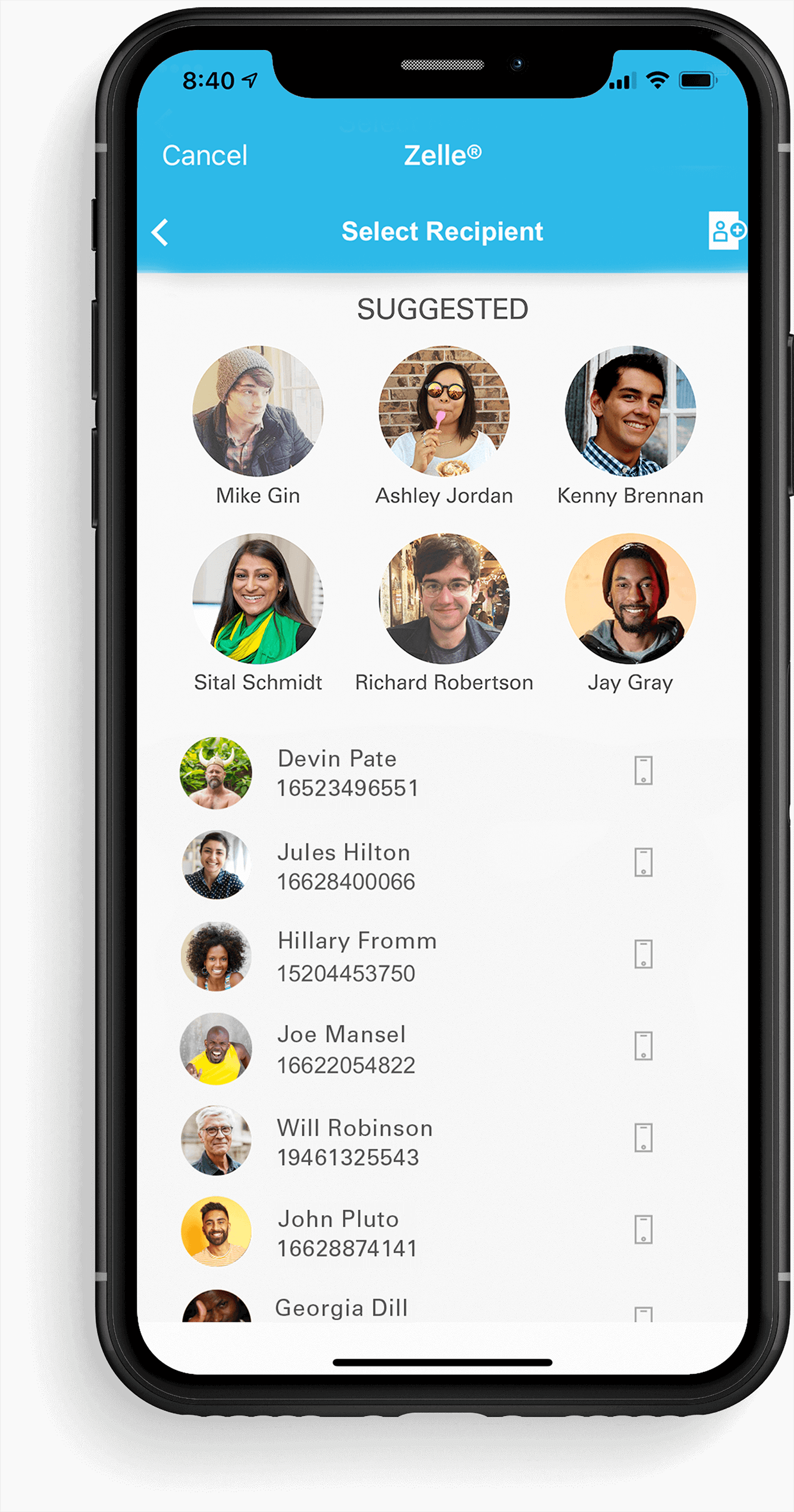
Open the Renasant Bank mobile app, and tap the Zelle icon. If your email address or phone number is enrolled with us, you can get started right away.
If you do not have the Renasant mobile banking app, download it from the Apple App or Google Play store. Open the app, click on the Zelle® icon and confirm your email or phone number. If you receive a notification that someone has sent you money prior to enrolling, follow the same instructions above to enroll the email address or U.S. mobile number your sender used to send you money. Transactions typically occur in minutes when the recipient's email address or U.S. mobile number is already enrolled with Zelle®.
Step 1
Open the Renasant Bank App
Open the Renasant Bank mobile app, and tap the Zelle icon. If your email address or phone number is enrolled with us, you can get started right away.
If you do not have the Renasant mobile banking app, download it from the Apple App or Google Play store. Open the app, click on the Zelle® icon and confirm your email or phone number. If you receive a notification that someone has sent you money prior to enrolling, follow the same instructions above to enroll the email address or U.S. mobile number your sender used to send you money. Transactions typically occur in minutes when the recipient's email address or U.S. mobile number is already enrolled with Zelle®.
Step 2
Choose an Option
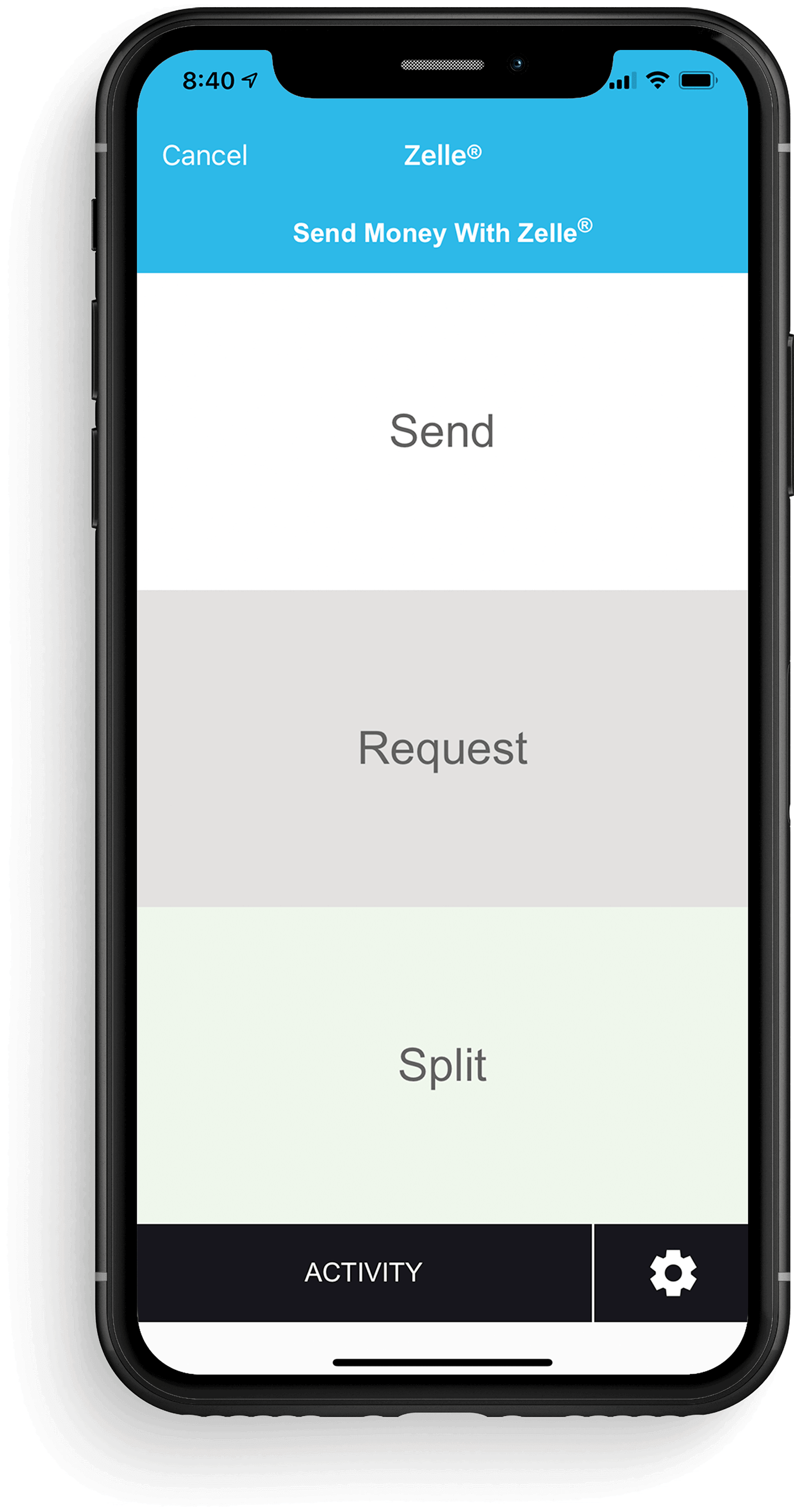
Select whether you wish to send or request a payment.
Step 2
Choose an Option
Select whether you wish to send or request a payment.
Step 3
Pick from Your Contacts
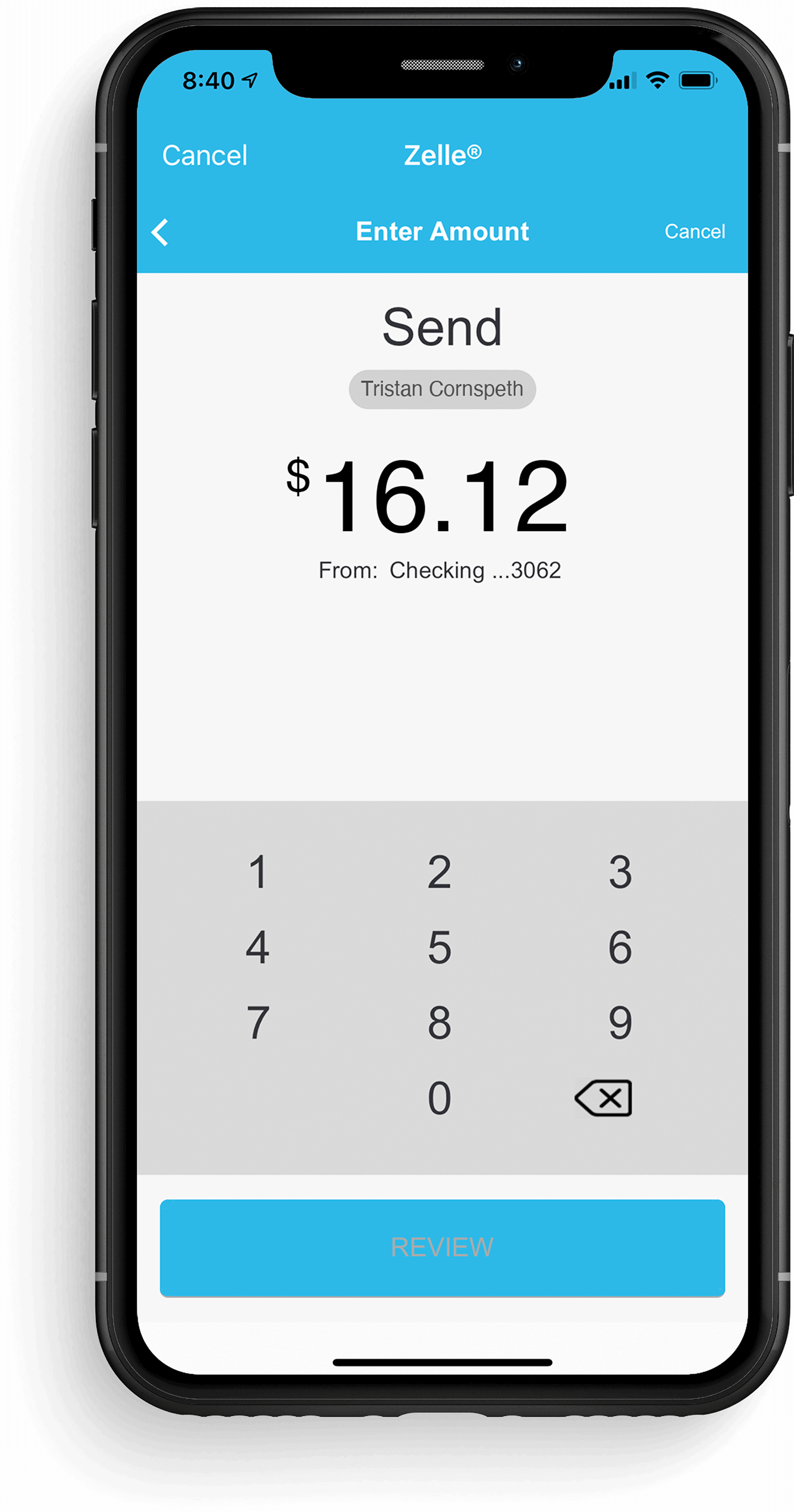
Select who you wish to send money to or request payment from—either from your contacts or by entering their email or phone number.
Step 3
Pick from Your Contacts
Select who you wish to send money to or request payment from—either from your contacts or by entering their email or phone number.
Step 4
Enter the Payment Amount
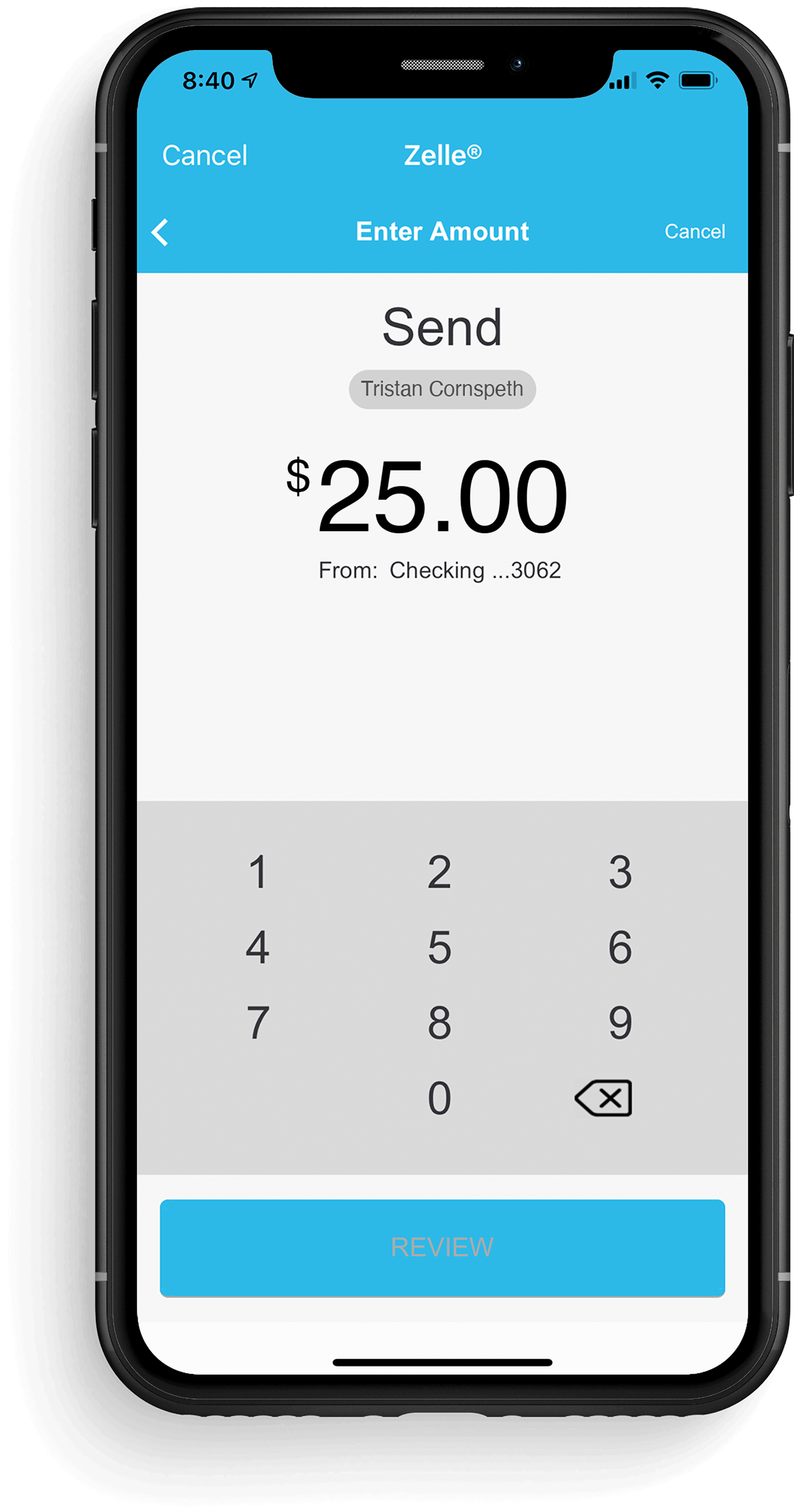
Enter the amount you wish to send or request, and review the payment. If everything looks good, tap send/request and you’re done!
Step 4
Enter the Payment Amount
Enter the amount you wish to send or request, and review the payment. If everything looks good, tap send/request and you’re done!
Additional Information
Zelle and the Zelle related marks are wholly owned by Early Warning Services, LLC and are used herein under license. Subject to additional terms and conditions and/or fees if applicable, including internet provider and data charges.
Discover a banking relationship that starts with Understanding You.

The SEC Top 10 meeting is going about as smoothly as a Mike Elko's post game press conferences.

Meet David van Alphen and Brian Schmucker of SuckerPunch Pickles. What started as a kitchen experiment became a growing business and a lasting partnership.
Life doesn't slow down, and your banking shouldn't either. With Renasant's digital banking tools, you can securely manage your finances wherever you are, giving you more control and convenience every day.

If you're thinking about buying your first home, here are eight important steps to help you prepare with confidence.
Americans lost an estimated $68 billion to scams last year. At Renasant, we’re committed to helping you spot scams.

Fraud can happen to anyone. Whether it’s an unfamiliar transaction, a suspicious text message or an unexpected phone call from someone claiming to be your bank, realizing you may have been targeted can be stressful.